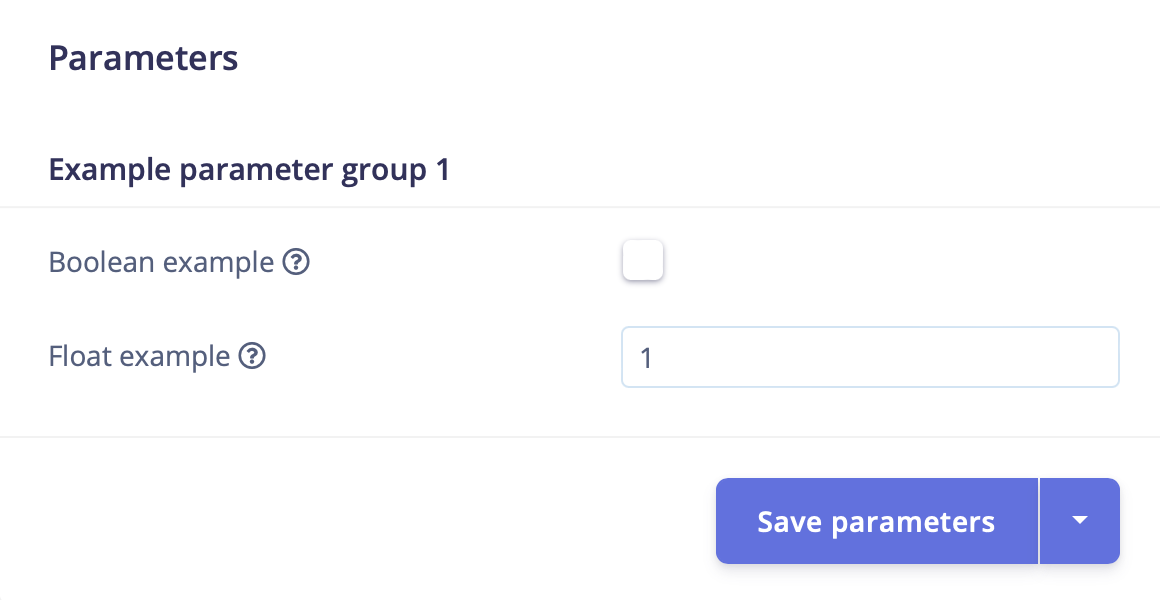
The parameters.json file is included at the root of the directory of a custom block. It is used to describe the block itself and identify the parameters available for its configuration. The parameters defined in this file are the input options rendered for the block in Studio and passed into the block as arguments when the it is run.

File structure

The file can be considered in two sections: a header section and a parameters section. The header section identifies the block type and its associated metadata. The metadata required varies by block type. This information is followed by an array of parameters items.

File examples

Below you will find full examples of parameter files for the various types of blocks.

Parameter types

Parameter items are defined as JSON objects that contain a type property. For example:
The parameter type options available are shown in the table below, along with how the parameter is rendered in Studio and how it will be passed to your custom block. In general, parameter items are passed as command line arguments to your custom block script.
Processing blocks do not receive command line argumentsInstead of command line arguments being passed to the block as shown above, processing blocks receive an HTTP request with the parameters in the request body, which are subsequently passed to the function generating the features in your processing block. In this case, dashes in parameter names are replaced with underscores before being passed to your function as arguments:A processing block parameter named custom-processing-param is passed to your feature generation function as custom_processing_param.
Secrets are passed as environment variables instead of command line arguments
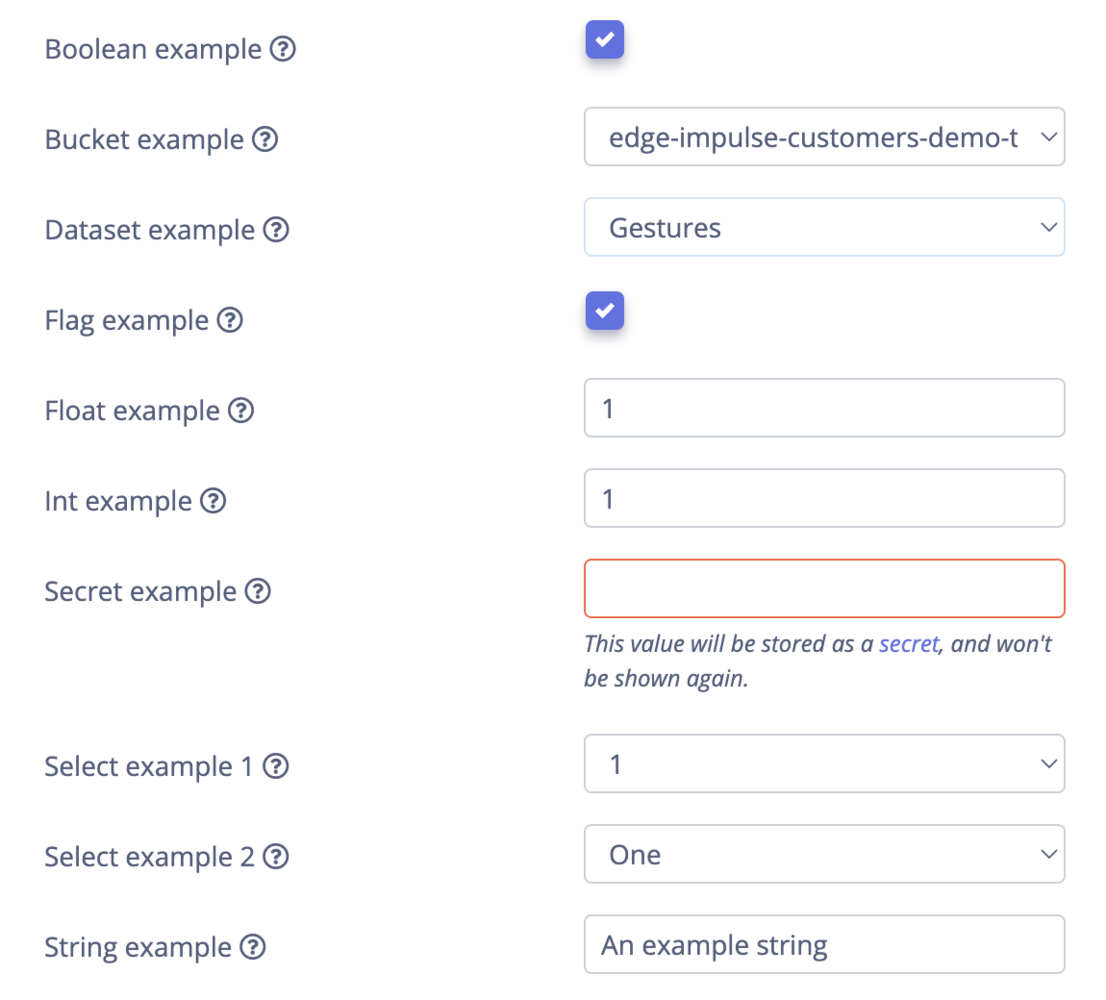
The studio custom block form showing text, numeric, checkbox, select, dataset, and bucket parameters

All parameter types rendered in Studio

Boolean

A custom block form with a boolean checkbox parameter

Boolean parameter type rendered in Studio

Bucket

Only available for AI labeling, synthetic data, and transformation blocks
A custom block form with an Edge Impulse storage bucket selector

Bucket parameter type rendered in Studio

Dataset

Only available for AI labeling, synthetic data, and transformation blocks
A custom block form with a dataset selector parameter

Dataset parameter type rendered in Studio

Flag

A custom block form with a flag parameter displayed as a checkbox

Flag parameter type rendered in Studio

Float

A custom block form with a floating-point numeric input

Float parameter type rendered in Studio

Int

A custom block form with an integer numeric input

Int parameter type rendered in Studio

Secret

Only available for AI labeling, synthetic data, and transformation blocks
A custom block form with a visible secret value input

Secret parameter type rendered in Studio


A custom block form with the secret value masked

Secret parameter type (hidden) rendered in Studio

Select

A select parameter field using raw option values

Select parameter type without labels rendered in Studio
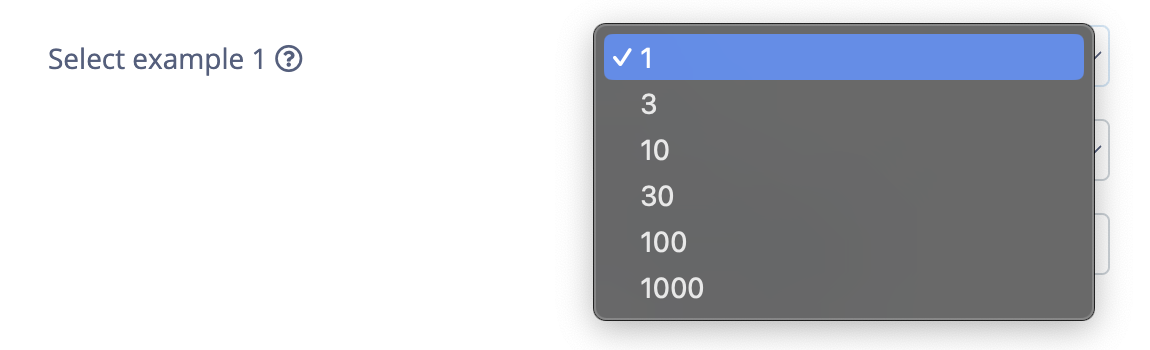

The expanded select menu showing raw option values

Select parameter type valid options without labels rendered in Studio


A select parameter field using human-readable option labels

Select parameter type with labels rendered in Studio
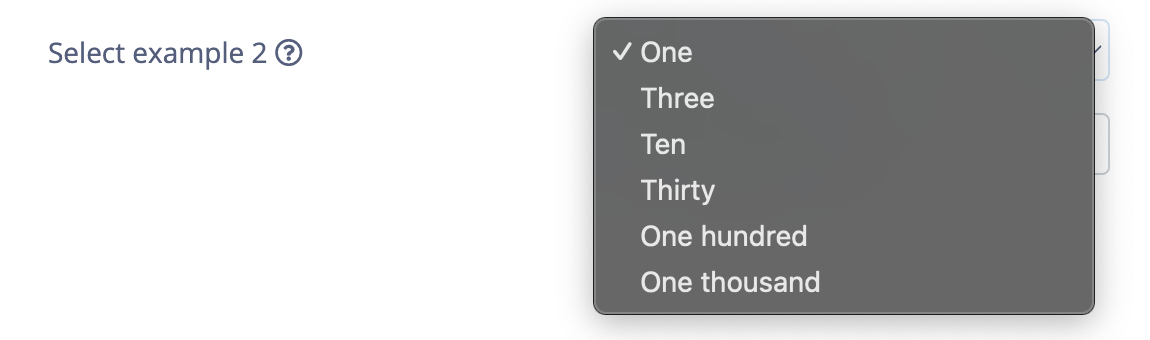

The expanded select menu showing labeled valid options

Select parameter type valid options with labels rendered in Studio

String

A custom block form with a string text input

String parameter type rendered in Studio

Parameter groups

Only available for processing blocks
Processing block parameters can contain multiple groups to better organize the options when rendered in Studio. Each string entered as value for the group property is rendered as a header element.
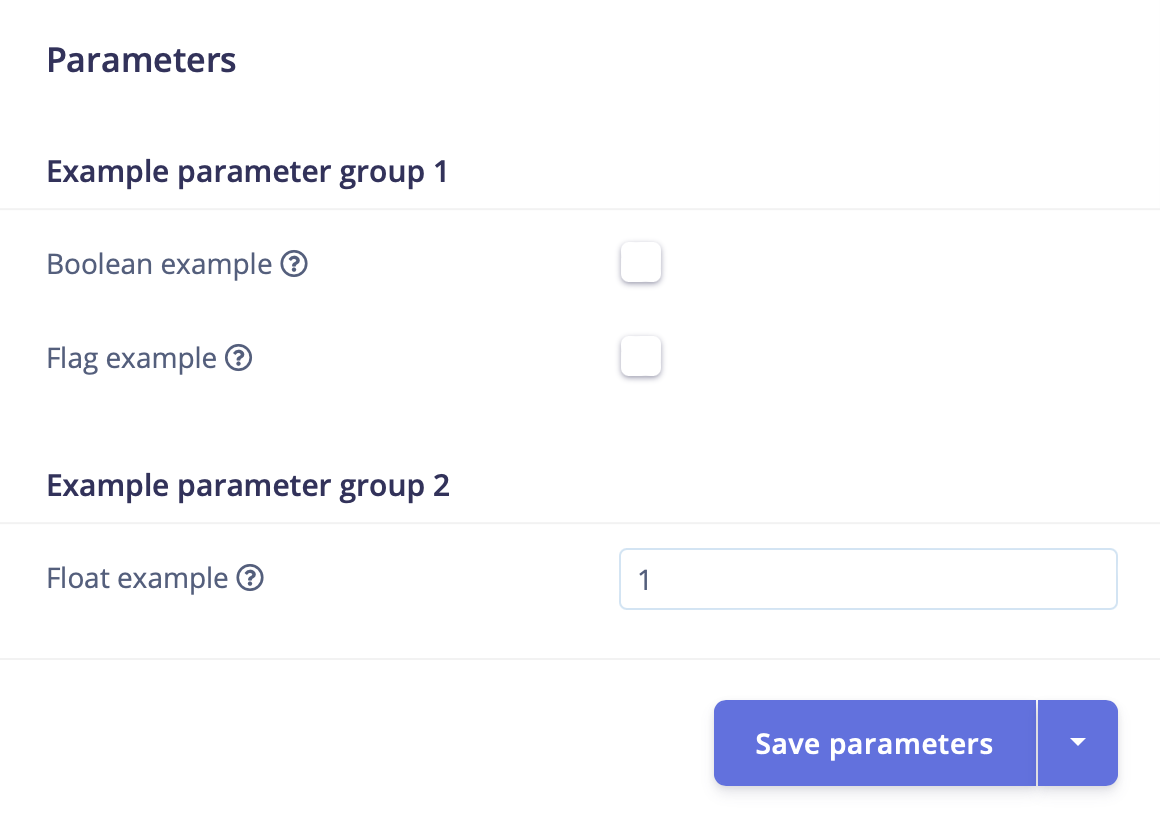
A custom block form with parameters separated into two named groups

Processing parameters grouped into two groups

Parameter logic

showIf

Parameters can be conditionally shown based on the value of another parameter using the showIf property.
A custom block form where a dependent parameter is hidden

Parameter conditionally hidden based on another parameter
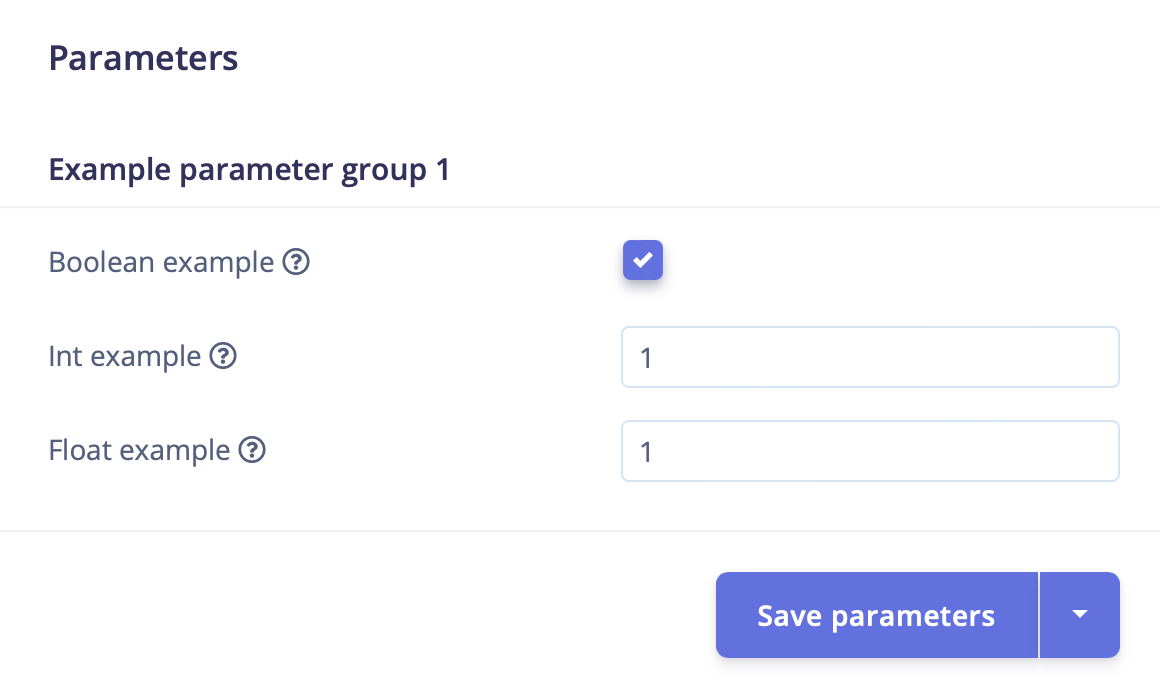

A custom block form where a dependent parameter is visible

Parameter conditionally shown based on another parameter

showForImplementationVersion

Only available for processing blocks
Processing blocks can have different versions, which allows you to add new functionality to existing blocks without breaking earlier implementations. You are able to shown/hide parameters based on the implementation version set in the latestImplementationVersion property of the processing block. A processing block set to version 4:
A parameter shown only for implementation versions 3 and 4: